




Love what you are seeing?
We have created several courses where we dive more into the technical aspects. So, if you like what you read here, you'll love our courses!!





By:
Greg Jenkins
|
February 9, 2026
|
Technology
Even with as rapidly as marketing technology seems to evolve, webinars have held onto their relevance.
Good on ya, webinars.
From time to time I get asked about my preferred software for running webinars, and over the last few years my answer has varied - but lately, I've been using (and recommending) Demio.
There are a lot of options out there, but I use Demio because it's an intuitive platform that allows you to quickly and easily (like, really easily) host live webinars - and just a few months ago they introduced an option for automated webinars as well (more on that here).
This blog post is a step-by-step guide to launching a live webinar with Demio - and integrating it with Infusionsoft for automated follow-up.
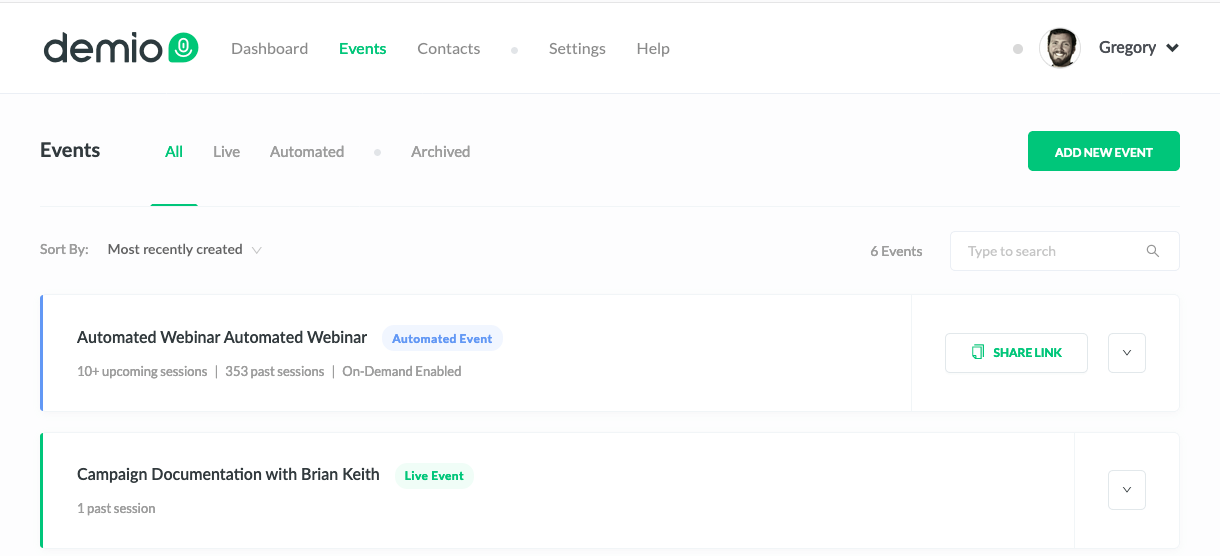
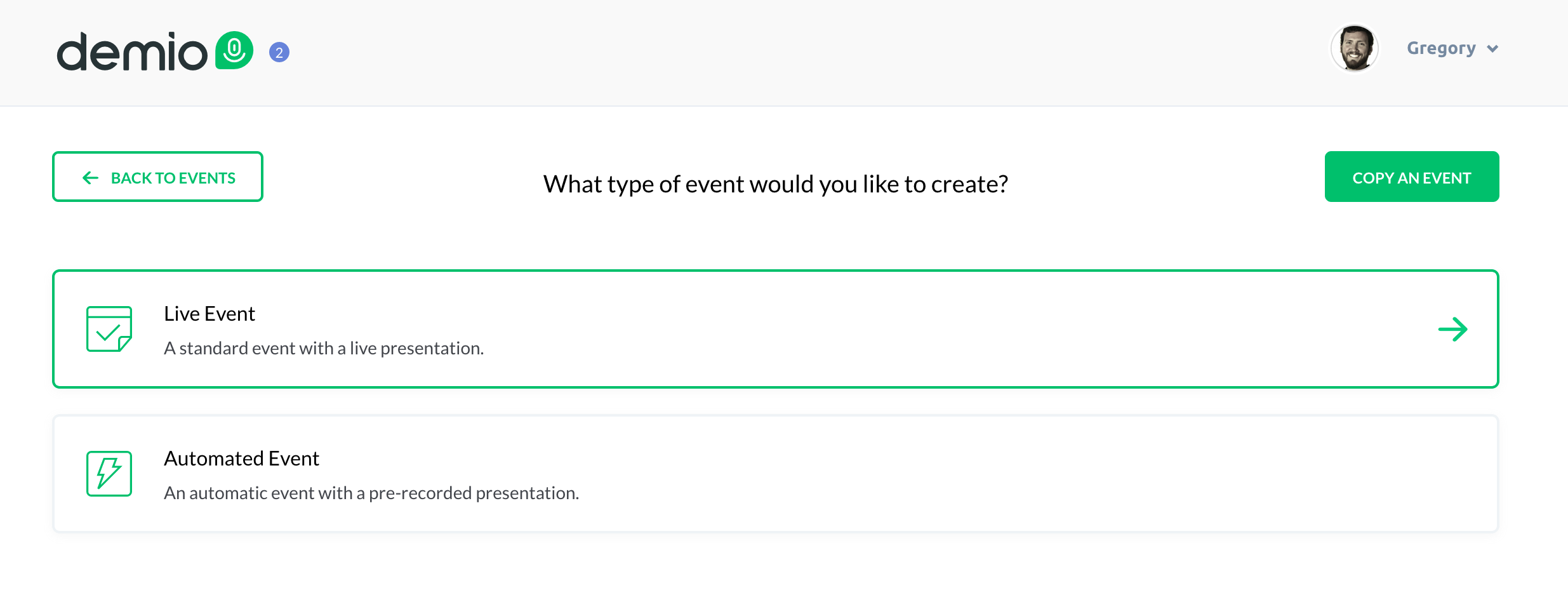
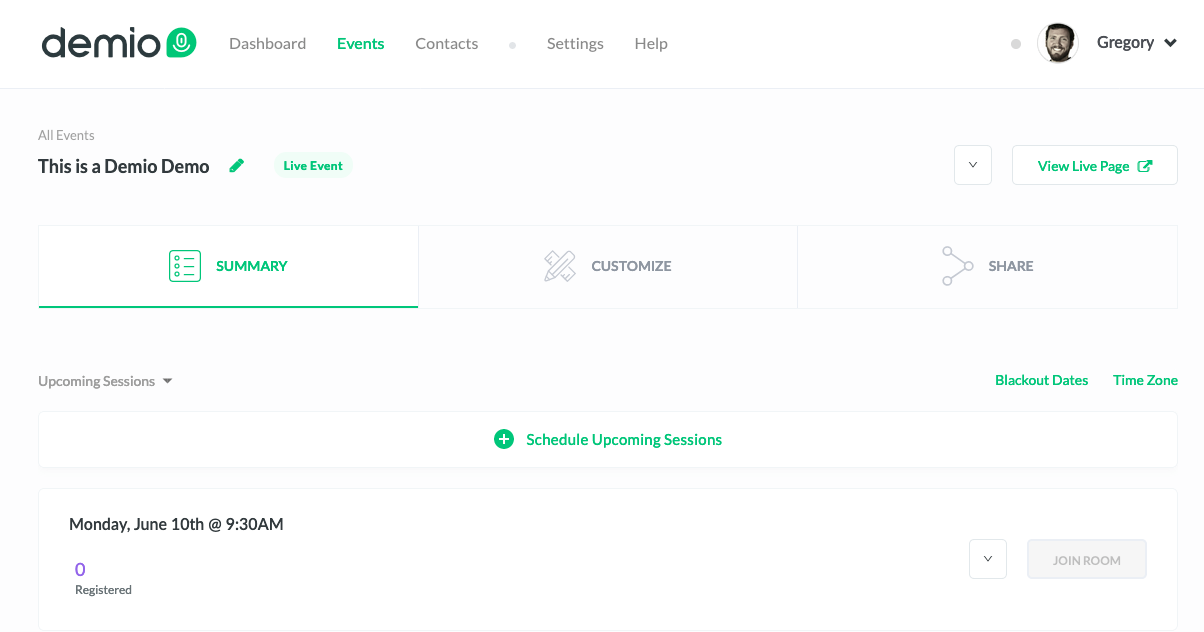
Step 1: Log into Demio - from the events page you can see any live (or automated) webinars you currently have scheduled.
affiliate link and score me a free month.
Okay, like I said, if what you need is a quick and dirty webinar then you're pretty much done, but let's take a look at the additional options Demio offers for further customizing your webinar.
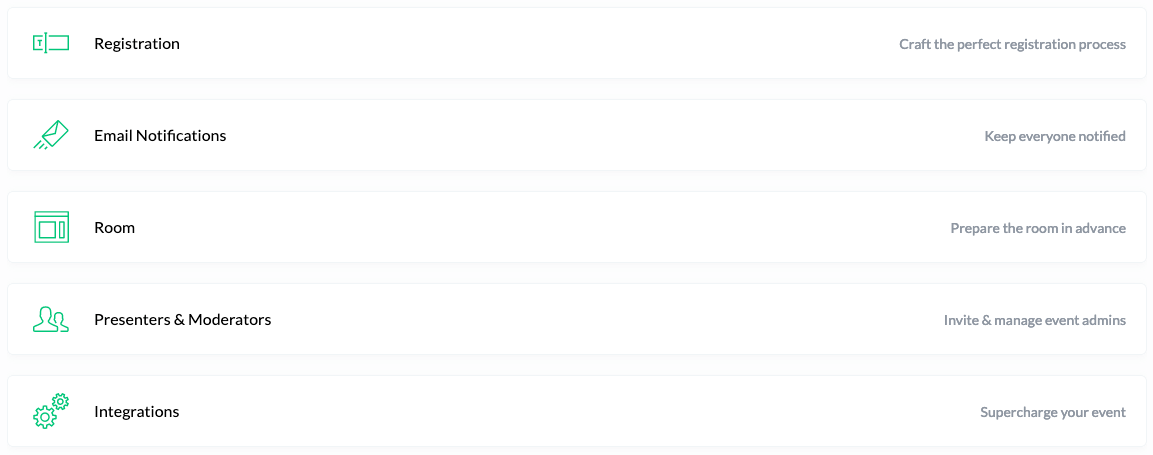
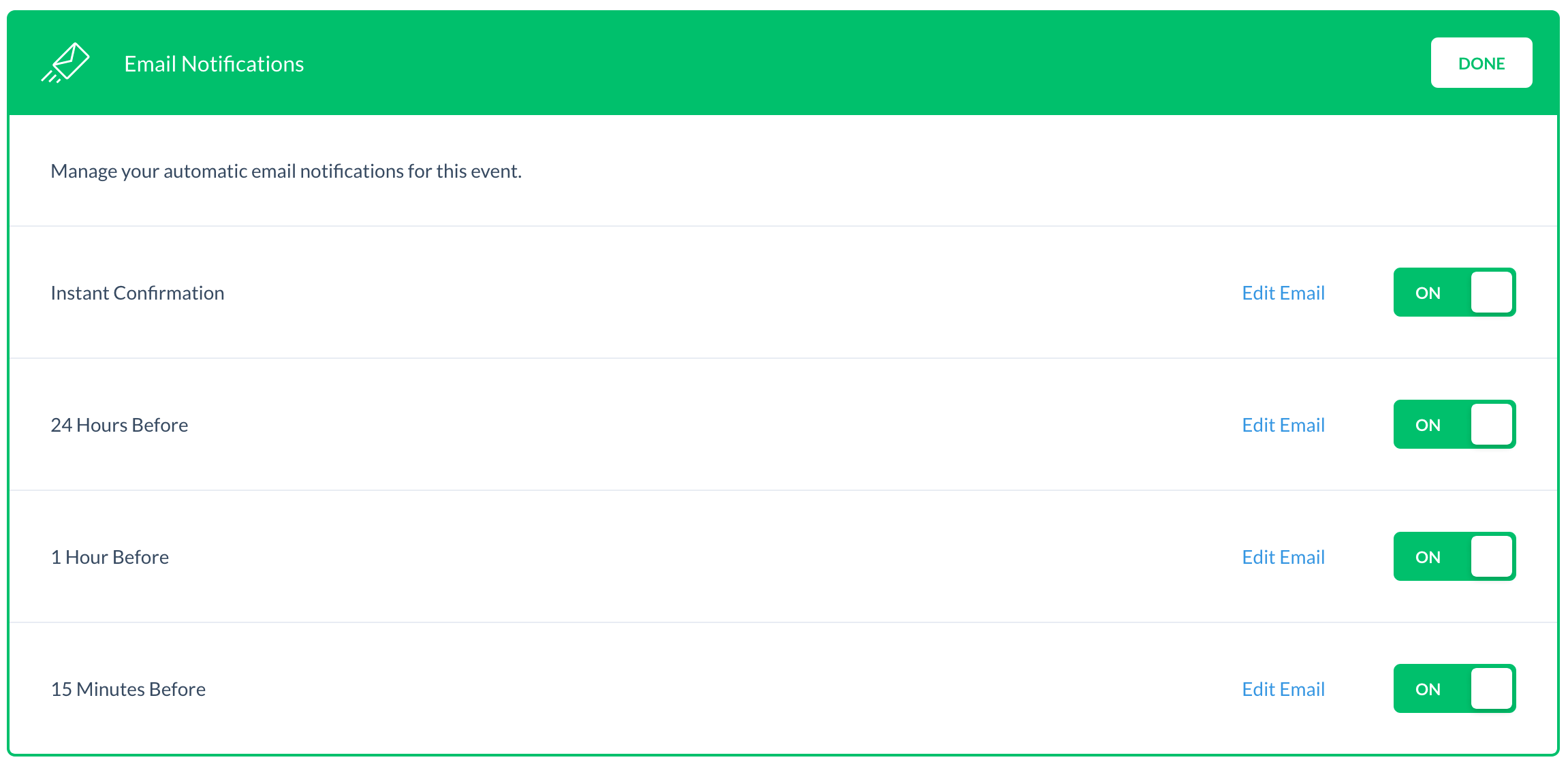
Email Notifications: Demio has four built in email notifications that you can individually toggle on or off. There is an option to edit portions of each email, but some of the registration details are fixed. As of right now there aren't options for modifying the schedule of these emails.
here.
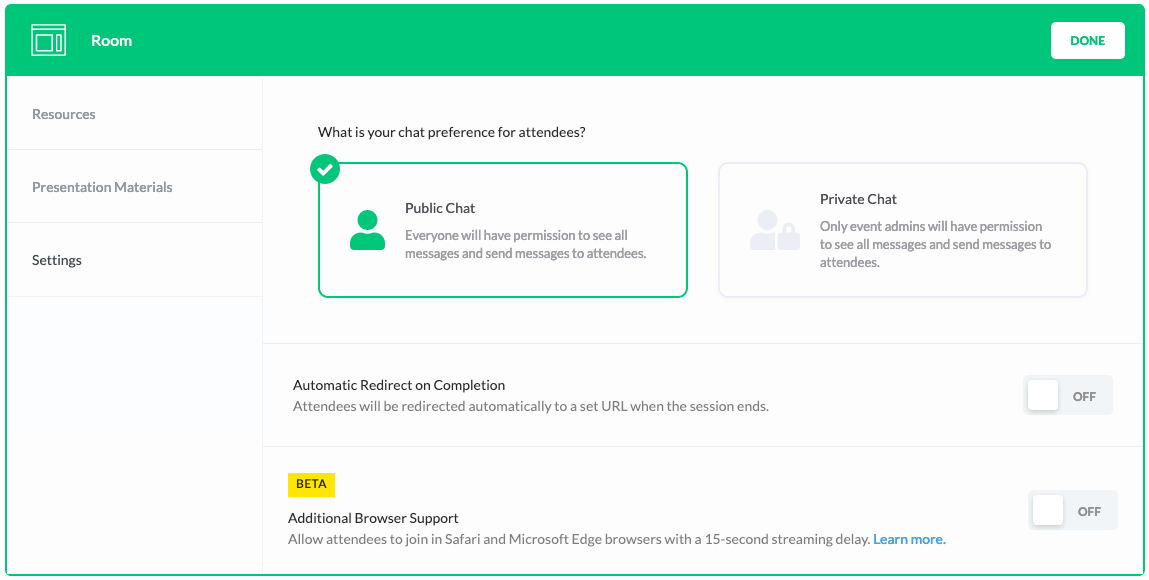
On the left hand side you'll see tabs for "Resources" and "Presentation Materials", this is where you can upload resources you intend to give away during your presentation (worksheets, downloads, etc) and slide decks or videos you will use during your webinar.
10-step launch list.
The easiest way to learn about automated webinars is probably by experiencing one, and what do ya know I've gone ahead and created an automated webinar about automated webinars where I walk you through the whole dang process. Check it out:
Update: In December 2020 Demio released an update that allows you you to easily swap the video you're using for your automated webinar. That means your content can be updated without having to rebuild the entire automated webinar experience.
We have created several courses where we dive more into the technical aspects. So, if you like what you read here, you'll love our courses!!