




From Reluctant to Recommending: My AccessAlly Journey
I’d known for a long time that the membership platform I was using wasn’t doing my content any favors – but it took an intervention from my friend Jamie DuBose to convince me that it was time to level up. Here’s a little more on why we chose AccessAlly. If you’re looking to build a membership site (or improve one), I am proud to endorse AccessAlly.
Filter by category to find exactly what you need.

Depending on your business and business structure, it may make sense to set up payroll for yourself (and your employees, obviously). The tool I use to pay myself is Gusto – it came at the recommendation of my bookkeeping company and it's been terrific. It's very intuitive, support has been great, and they handle all the quarterly paperwork on my behalf.
If you use Infusionsoft to process orders, one of the first things you’ll note is that it is not an accounting software. Most people use Quickbooks Online, or Xero for their bookkeeping – and there are a few ways to set up an integration between the two, but by far the easiest (and most affordable) is InvoiceSync. Check it out here.
It was built to solve this specific problem, so it does an excellent job of anticipating exactly what people will need for an integration of this type.
I also acknowledge that not everyone needs that kind of power – and not everyone is using WordPress, so for anyone who needs a simple tool to get their site up quickly, I recommend Kajabi. Kajabi is a stand-alone builder that lets you design landing pages, process transactions, deliver a course, etc. I used it for a non-Monkeypod project and I was impressed at how easy it was to make good looking pages.
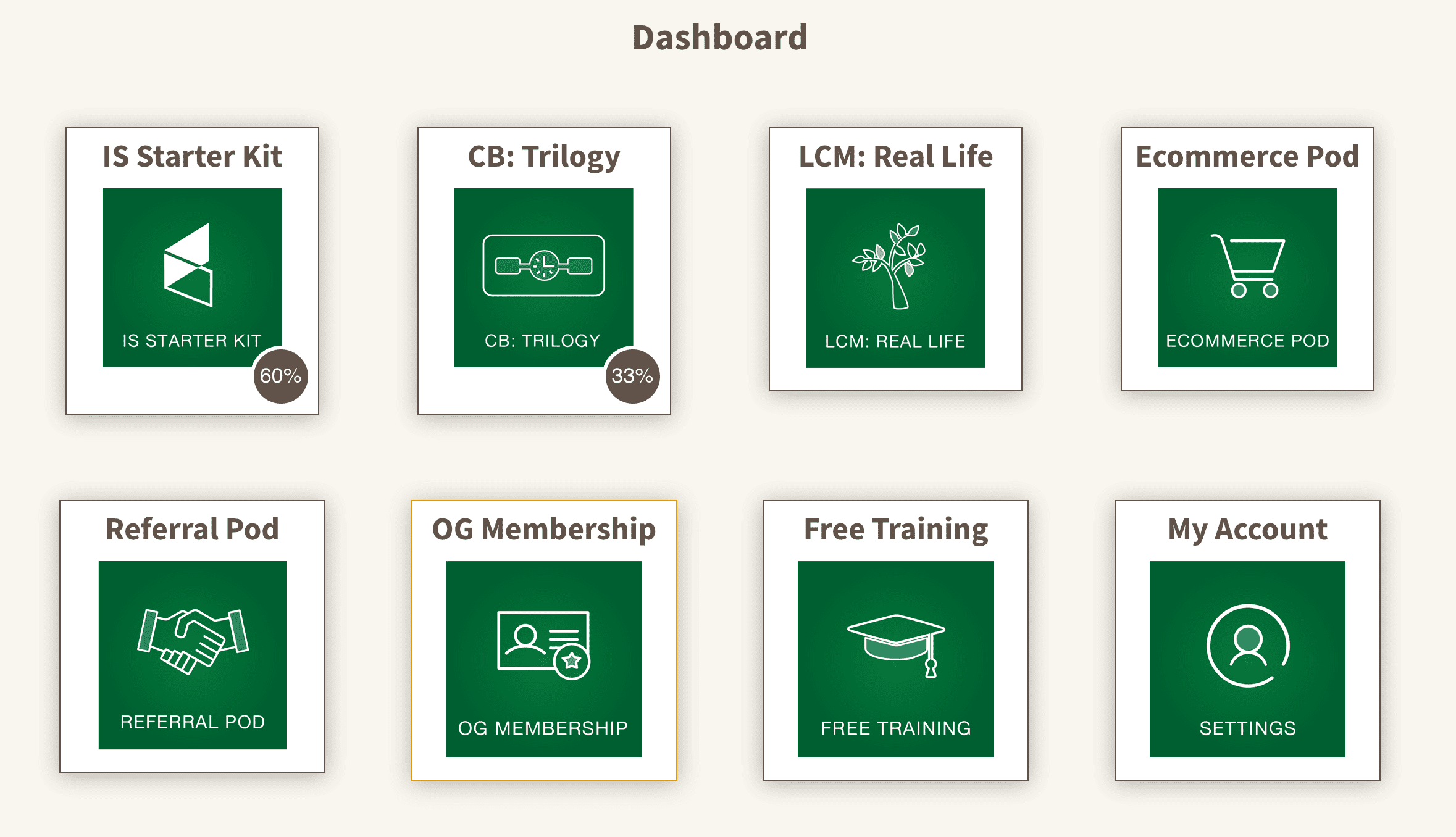
So, if you're a Monkeypod member or you've bought any of my courses then you have probably seen my membership area – which is built on AccessAlly. AccessAlly is a WordPress plugin, and it is my preferred tool for building membership sites. It's incredibly flexible – and if you're wondering why I chose it, here's a blog post just for you.
Demio pretty much does all the things I need without much fuss. The registration pages are clean and very usable, but also offer the ability for quick customization. There is a native integration with Keap that allows you to tag people when they register, attend, don't attend, join late, etc. And you can also map the Join Link back to a custom field if you'd prefer to send follow-up and reminders from Keap instead of Demio directly. And yes, Demio has an Automated Webinar feature as well.
This service helps evaluate your email deliverability on a variety of factors, and gives you a ‘score’, along with recommendations for improvements you can make.
This is a inexpensive ebook packed with strategies for improving the ROI from your email marketing strategy, with technical advice, and strategic recommendations for improvements you can make to the actual opt-in and onboarding process, to establish engagement early with subscribers.
Email delivery, deliverability, and inbox placement are getting more and more attention these days, and rightfully so.
Here are a few resources I trust to help explain this area, and offer advice for making improvements:
Deliverability Guide: This free guide explains core terms important for understanding the email deliverability landscape, and best practices to be aware of for improving your email reputation.
WP Engine – all day long. It came highly recommended by folks much smarter than me, and is easily the best hosting I've had.
My friend Scott Richins turned me onto this little tool, Paste App, and it’s been an absolute game changer.
Of all the small business tools we recommend, this one can serve literally everyone.
Basically it gives you a robust clipboard where you never lose the things you’ve copied; you can search your history and paste things from weeks or months ago. It also gives you the ability to organize so you can quickly and easily find the things you use most regularly (blog posts, affiliate links, hex codes, etc).
I use Camtasia to record all my courses. It let’s me capture the screen, or part of the screen, and it has a nice editing studio where I (a novice) can add an intro and outro, can do volume leveling, add transitions, overlay images, and easily remove any under my breath curse words I may utter. If you need to record videos for courses, or just for your youtube channel, Camtasia is fine – it crashes very occasionally, but I’ve never had major issues with it, and once I learned it I was reluctant to learn another editing tool.
Loom loom loom. I’m obsessed with Loom.
If you need to record a quick video to demonstrate something, or show someone something, I strongly recommend Loom.
It has free and paid versions and it allows you to quickly and easily create videos that you can share or embed. I love it.
This is great for those instances where you need to show someone something you are having trouble describing (like when working with tech support).
We use Keap to create Order Forms to sell our courses and membership, but there are some limitations to what you can do with the native Keap Order Forms – so we recommend Spiffy for anyone looking to really take them to the next level. Spiffy is really easy to use – and it gives your order forms the professional polish that you're missing; oh, and they've also built in a boatload of advanced features (like one-click upsells, and check box order bumps).
We use Keap to create Order Forms to sell our courses and membership, but there are some limitations to what you can do with the native Keap Order Forms – so we recommend Spiffy for anyone looking to really take them to the next level. Spiffy is really easy to use – and it gives your order forms the professional polish that you're missing; oh, and they've also built in a boatload of advanced features (like one-click upsells, and check box order bumps).
If your web forms are being hit up by Spam Submissions then the top tool we see Keap users turning to is SpamKill.
It checks the details being input and prevents the submission entirely if it determines the contact info is garbage.
I use Camtasia to record all my courses. It let’s me capture the screen, or part of the screen, and it has a nice editing studio where I (a novice) can add an intro and outro, can do volume leveling, add transitions, overlay images, and easily remove any under my breath curse words I may utter. If you need to record videos for courses, or just for your youtube channel, Camtasia is fine – it crashes very occasionally, but I’ve never had major issues with it, and once I learned it I was reluctant to learn another editing tool.
Loom loom loom. I’m obsessed with Loom.
If you need to record a quick video to demonstrate something, or show someone something, I strongly recommend Loom.
It has free and paid versions and it allows you to quickly and easily create videos that you can share or embed. I love it.
This is great for those instances where you need to show someone something you are having trouble describing (like when working with tech support).
My friend Scott Richins turned me onto this little tool, Paste App, and it’s been an absolute game changer.
Of all the small business tools we recommend, this one can serve literally everyone.
Basically it gives you a robust clipboard where you never lose the things you’ve copied; you can search your history and paste things from weeks or months ago. It also gives you the ability to organize so you can quickly and easily find the things you use most regularly (blog posts, affiliate links, hex codes, etc).
WP Engine – all day long. It came highly recommended by folks much smarter than me, and is easily the best hosting I've had.
This service helps evaluate your email deliverability on a variety of factors, and gives you a ‘score’, along with recommendations for improvements you can make.
This is a inexpensive ebook packed with strategies for improving the ROI from your email marketing strategy, with technical advice, and strategic recommendations for improvements you can make to the actual opt-in and onboarding process, to establish engagement early with subscribers.
Email delivery, deliverability, and inbox placement are getting more and more attention these days, and rightfully so.
Here are a few resources I trust to help explain this area, and offer advice for making improvements:
Deliverability Guide: This free guide explains core terms important for understanding the email deliverability landscape, and best practices to be aware of for improving your email reputation.
Demio pretty much does all the things I need without much fuss. The registration pages are clean and very usable, but also offer the ability for quick customization. There is a native integration with Keap that allows you to tag people when they register, attend, don't attend, join late, etc. And you can also map the Join Link back to a custom field if you'd prefer to send follow-up and reminders from Keap instead of Demio directly. And yes, Demio has an Automated Webinar feature as well.
I also acknowledge that not everyone needs that kind of power – and not everyone is using WordPress, so for anyone who needs a simple tool to get their site up quickly, I recommend Kajabi. Kajabi is a stand-alone builder that lets you design landing pages, process transactions, deliver a course, etc. I used it for a non-Monkeypod project and I was impressed at how easy it was to make good looking pages.
So, if you're a Monkeypod member or you've bought any of my courses then you have probably seen my membership area – which is built on AccessAlly. AccessAlly is a WordPress plugin, and it is my preferred tool for building membership sites. It's incredibly flexible – and if you're wondering why I chose it, here's a blog post just for you.
Depending on your business and business structure, it may make sense to set up payroll for yourself (and your employees, obviously). The tool I use to pay myself is Gusto – it came at the recommendation of my bookkeeping company and it's been terrific. It's very intuitive, support has been great, and they handle all the quarterly paperwork on my behalf.
If you use Infusionsoft to process orders, one of the first things you’ll note is that it is not an accounting software. Most people use Quickbooks Online, or Xero for their bookkeeping – and there are a few ways to set up an integration between the two, but by far the easiest (and most affordable) is InvoiceSync. Check it out here.
It was built to solve this specific problem, so it does an excellent job of anticipating exactly what people will need for an integration of this type.