




Love what you are seeing?
We have created several courses where we dive more into the technical aspects. So, if you like what you read here, you'll love our courses!!





By:
Greg Jenkins
|
February 9, 2026
|
Technology
This blog post covers a situation where I quickly set up V1 of an automation and then a Keap user (shout out to Sue) helped highlight an obvious opportunity to improve it using Keap's dynamic content feature.
Keap Academy is hosting a workshop soon (details here), and after registering we offer the choice to join the workshop in real time, or get the same content in a self-paced on-demand type environment.
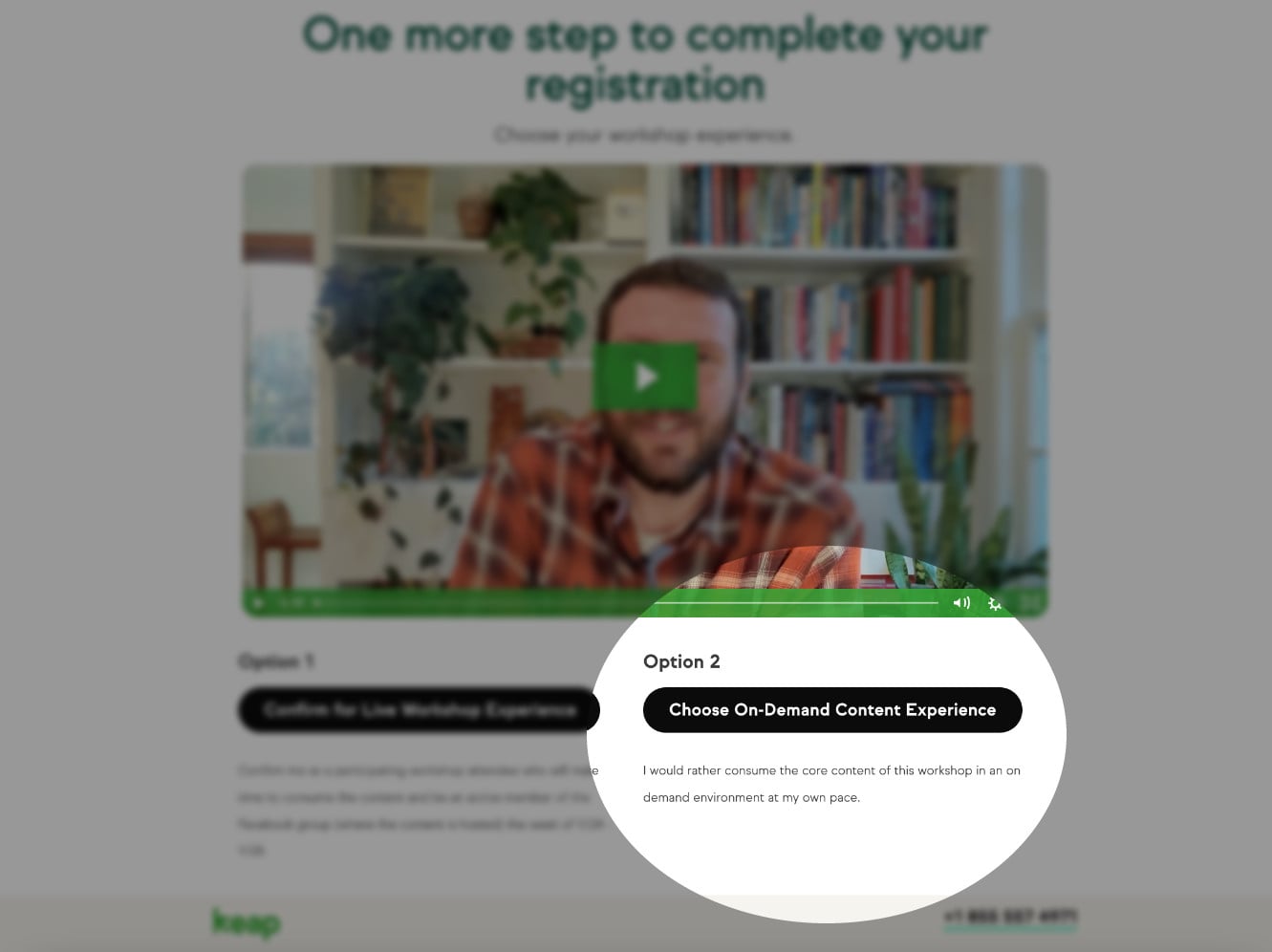
In either case the registrant will get access to the CB Trilogy course - but for those who choose the self-paced option, their info is added to Keap and their contact is tagged so the automation can create their access and deliver their login credentials via email.
And since I already had that process set up in Keap, all I needed to do was add an entry point and new contacts would join the already functioning fulfillment automation.
Bing, bang, boom - we're off to the races, right?
Sort of - the mistake I made in this process was that I didn't modify the email to reflect how the person registered.
I had two entry points coming into the same campaign, but I was treating everyone the same.
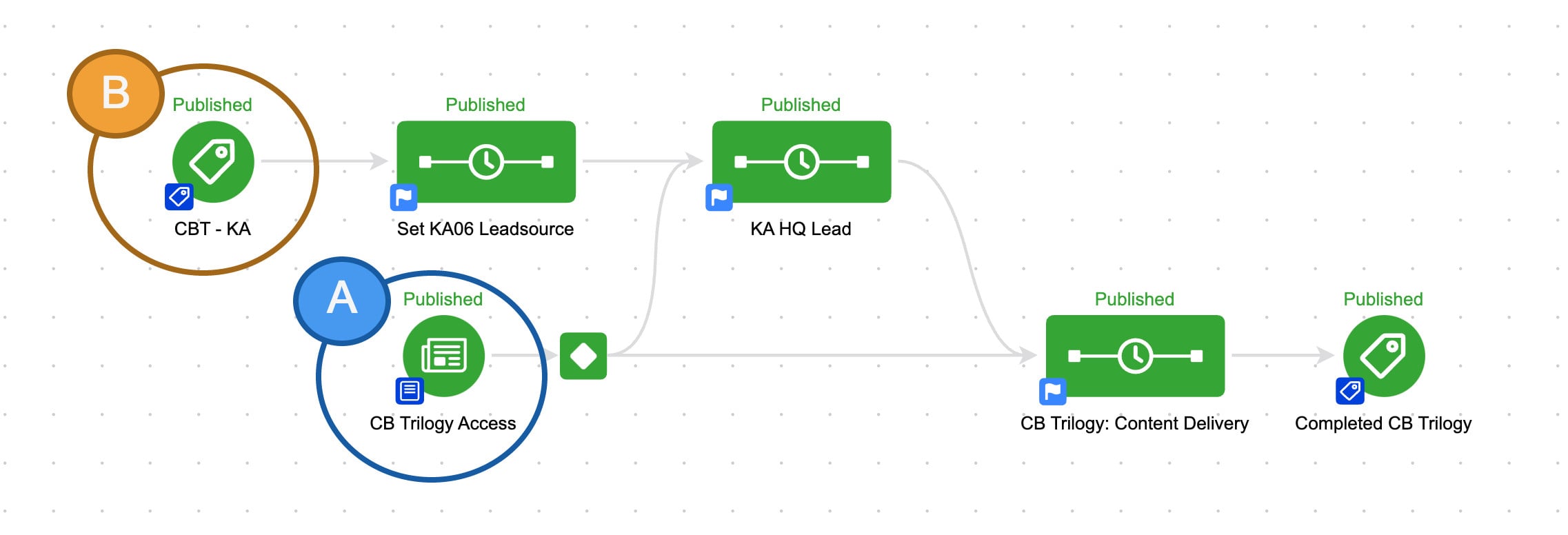
So if you signed up for the CB Trilogy course directly, you'd get access.
But if you signed up for the self-paced workshop - you'd get the exact same email.
This presented a problem, because customers signing up for the on-demand workshop didn't necessarily know they'd be getting this course - and they may not have even heard of Monkeypod.
This disconnect was causing some confusion.
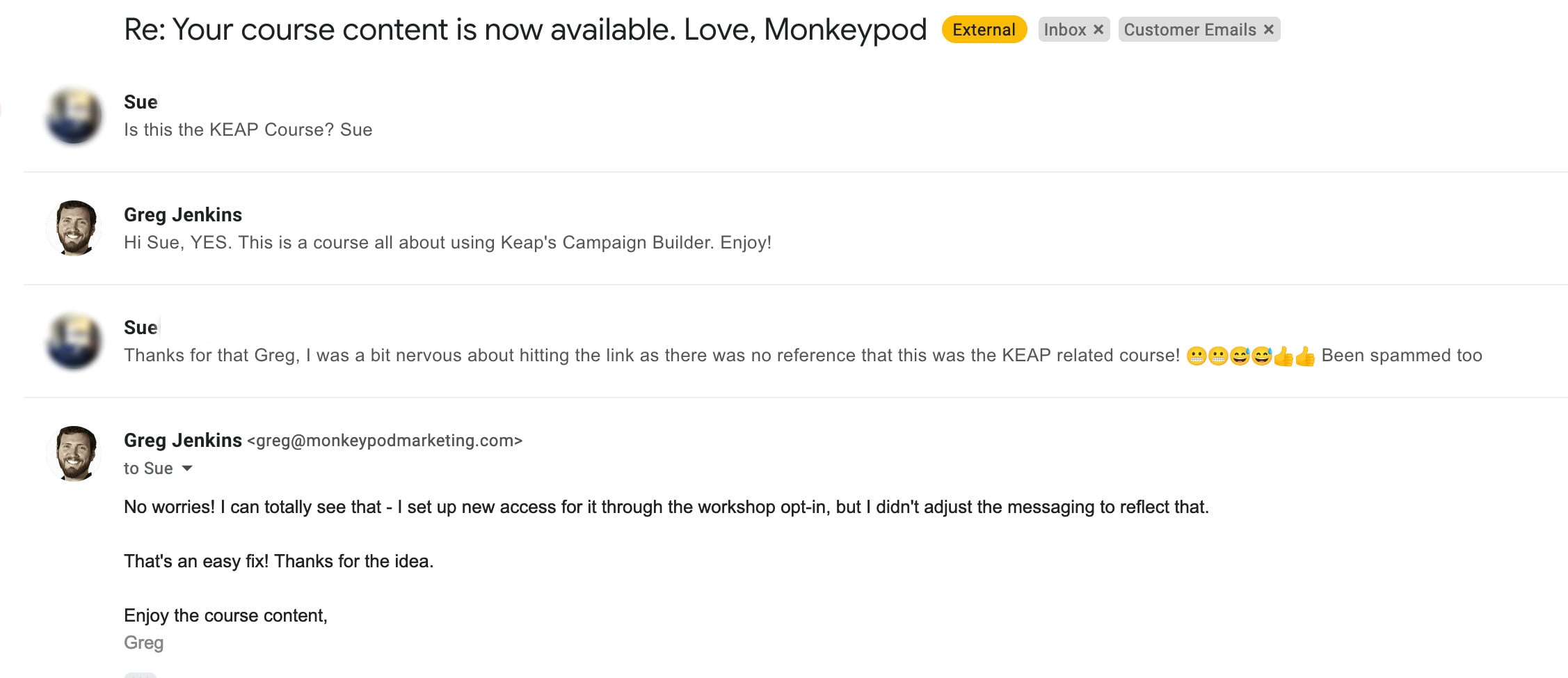
I can't blame Sue one bit - if you didn't know you were getting a course from some guy named Greg then this first email could definitely seem fishy.
Once I thought about it, the answer felt obvious - dynamic content.
Dynamic content is a Keap feature that lets you hide and reveal different parts of an email based on what you know about the recipient.
Like, whether they're a prospect or a customer.
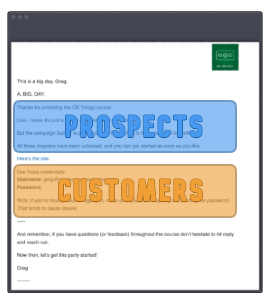
(Or whether they registered for the live event, or chose the on-demand option.)
So, I knew I could use dynamic content to adjust the initial access email based on how someone registered:
If you haven't explored Dynamic Content yet - it's time.
This is a massively powerful feature with unlimited application.
Here are a few resources to help you get started:
Thanks for reading - if you have any questions drop em in the comments below.
We have created several courses where we dive more into the technical aspects. So, if you like what you read here, you'll love our courses!!